



|
Quantity
|
Total
|
||
|
|
|||
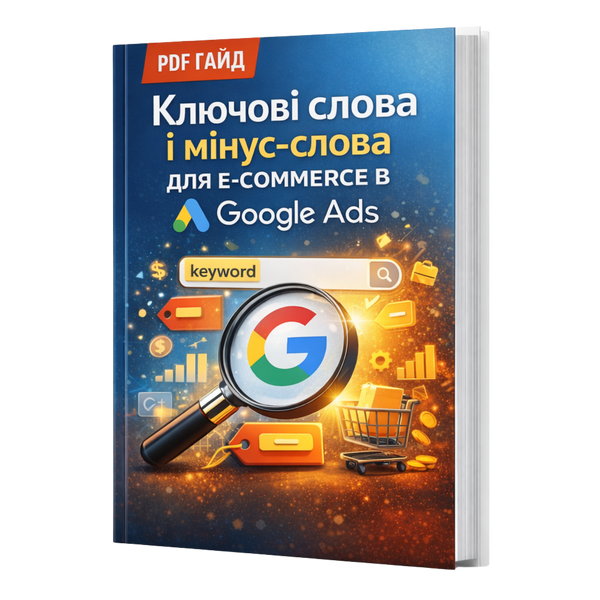
PDF guide “Keywords and Negative Keywords for E-commerce in Google Ads”: semantic structure, exclusions, cleaner traffic, and more sales
Who it’s for
-
Online store owners who run Google Ads themselves or supervise an agency/contractor.
-
Marketers/PPC specialists managing e-commerce accounts who want a systematic keyword approach.
-
Anyone already advertising but getting “junk” queries, expensive clicks, and weak sales.
-
New stores starting ads who don’t want to burn budget on irrelevant traffic.
-
Brands with a wide catalog where ads quickly “spread” without negative keywords.
What problems it solves
-
Ads show for irrelevant searches and budget leaks away.
-
Lots of clicks, few purchases: the user intent doesn’t match.
-
No keyword system: semantics are chaotic and hard to scale.
-
Negative keywords are missing or added “by feel,” so campaigns keep drifting.
-
It’s unclear how to split keywords correctly: brand/non-brand, categories, product queries, competitor queries.
What’s inside the guide
-
How e-commerce semantics work in Google Ads: intent logic and query types.
-
A step-by-step method to build keywords for an online store: from categories to specific products.
-
Keyword intent types: high/medium/low intent; hot/warm/cold queries.
-
Match types and how they affect impressions and traffic control.
-
Negative keywords: how to build lists, which exclusion groups an e-commerce store needs, how not to block high-buying-intent queries.
-
How to clean search terms and scale what actually drives sales.
-
Semantic structure examples: how to distribute keywords across campaigns/ad groups for easier management.
-
Maintenance checklist: what to review weekly to keep traffic “clean.”
What you’ll improve with this guide
-
Traffic quality: fewer irrelevant clicks and more users with purchase intent.
-
Budget efficiency: less waste on “junk,” more spend on what sells.
-
Conversions and sales: the right keywords bring the right audience.
-
Control and scalability: a clear semantic structure that’s easy to expand.
-
Campaign stability: negative keyword work becomes a system, not chaos.
Format and access
-
Format: electronic PDF guide (digital product).
-
Access: after payment, the file will be available for download (or delivered automatically—depending on your store settings).
-
Readable on phone, tablet, or computer.
-
Built for self-implementation: collect keywords → set the structure → add negatives → get cleaner traffic.
Note
Note: this guide is an original educational material and is not an official product of Google or the Google Ads service.